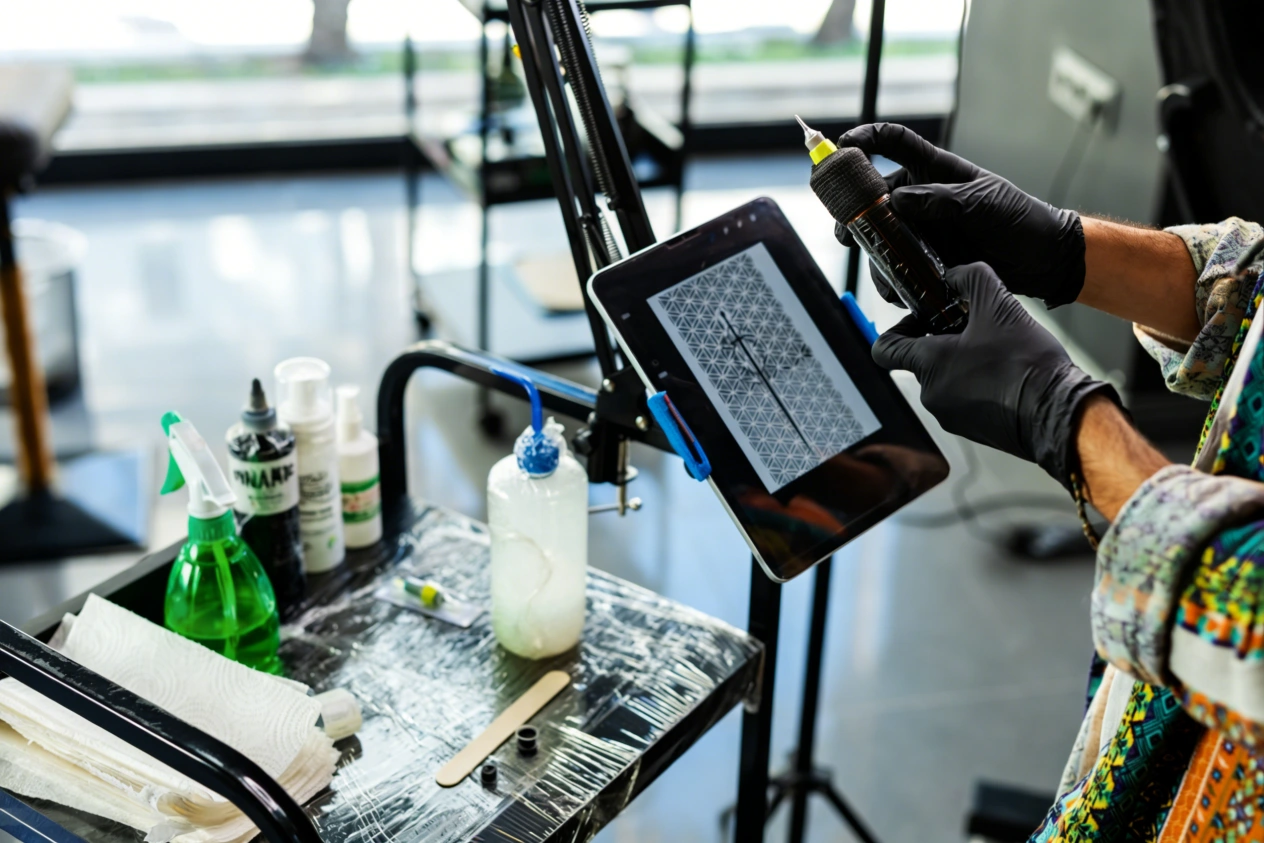
In early 2026, a well-known artist in Texas posted a short video showing his brand-new daily workflow. He typed a few simple words into his computer, waited about 30 seconds, and received a mind-blowing, highly realistic tiger design. Just a few years ago, sketching a highly detailed tiger by hand took roughly 4 to 5 hours of solid drawing. Today, AI programs give us wild and creative concepts in mere seconds. But here is the catch. Having a cool picture sitting on your iPad screen does not pay the bills. You still have to put that image accurately onto your client’s arm, leg, or back.
This is the exact moment where the bridge between the internet and the physical world matters most. Enter the bluetooth stencil printer. It is the missing link that takes a bunch of digital pixels and turns them into a workable, physical guide on paper. The whole process of moving AI creations from a screen to human skin has gotten incredibly fast. Let’s break down exactly how these smart tools talk to each other, so you can stop tracing manually and start tattooing.
The New Workflow: From Text Prompt to Skin
We have moved far away from the days of light boxes and hand-tracing every single line on a dirty desk. Modern artists use digital screens, and lately, they use text prompts to brainstorm. This massive shift cuts out the boring, busywork and lets you focus your energy on the actual tattooing process. The whole path from an idea to a finished transfer sheet might seem complicated at first glance. However, it is actually a very straightforward road once you have the right equipment sitting in your studio.
- Finding the Base Concept: You start by telling an AI program what you want. You might ask for a “neo-traditional owl with a skull.” The computer gives you four options in about a minute.
- Fixing the Flaws: AI is fast, but it is definitely not perfect. It often messes up small details, like adding an extra toe to a bird or crossing lines that should not cross. You take the image into your tablet to clean up these weird mistakes.
- Applying the Artist’s Eye: A flat image of a dragon looks very different when you wrap it around a real human forearm. You still need your human skills to scale it, warp it, and place it correctly on a 3D body.
- Sending the File: Once the image is perfect, you simply hit a button on your screen. The file travels through the air directly to your printer. You do not need to print a regular paper copy first.
Prepping Complex Art with a Tattoo Design App
Artificial intelligence creates beautiful, fully painted pictures with deep shadows and bright highlights. However, thermal paper does not care about colors or soft lighting. It only reads dark, solid lines and high contrast. You cannot just send a raw, highly detailed painting straight to a thermal machine and expect a good result. You absolutely need software to translate that art. This is where a good mobile program steps in to strip away the useless background noise and highlight the bold outlines you actually need to work with.
Adjusting Contrast and Finding Outlines
A solid tattoo design app is your best friend here. When you look at an AI-generated portrait, it has a million different shades of gray. If you print that directly, your stencil paper will just melt into a giant black square. You use the app to drop the color saturation to zero. Then, you bump up the contrast until the image looks almost like a comic book sketch. You want clear black lines and white empty space. Many artists still prefer to draw a red line over the AI art on a new layer, just to get the exact stencil they want. Others use built-in filters in mobile apps to automatically find the hard edges of the drawing.
Making the Digital Stencil Sync Work Fast
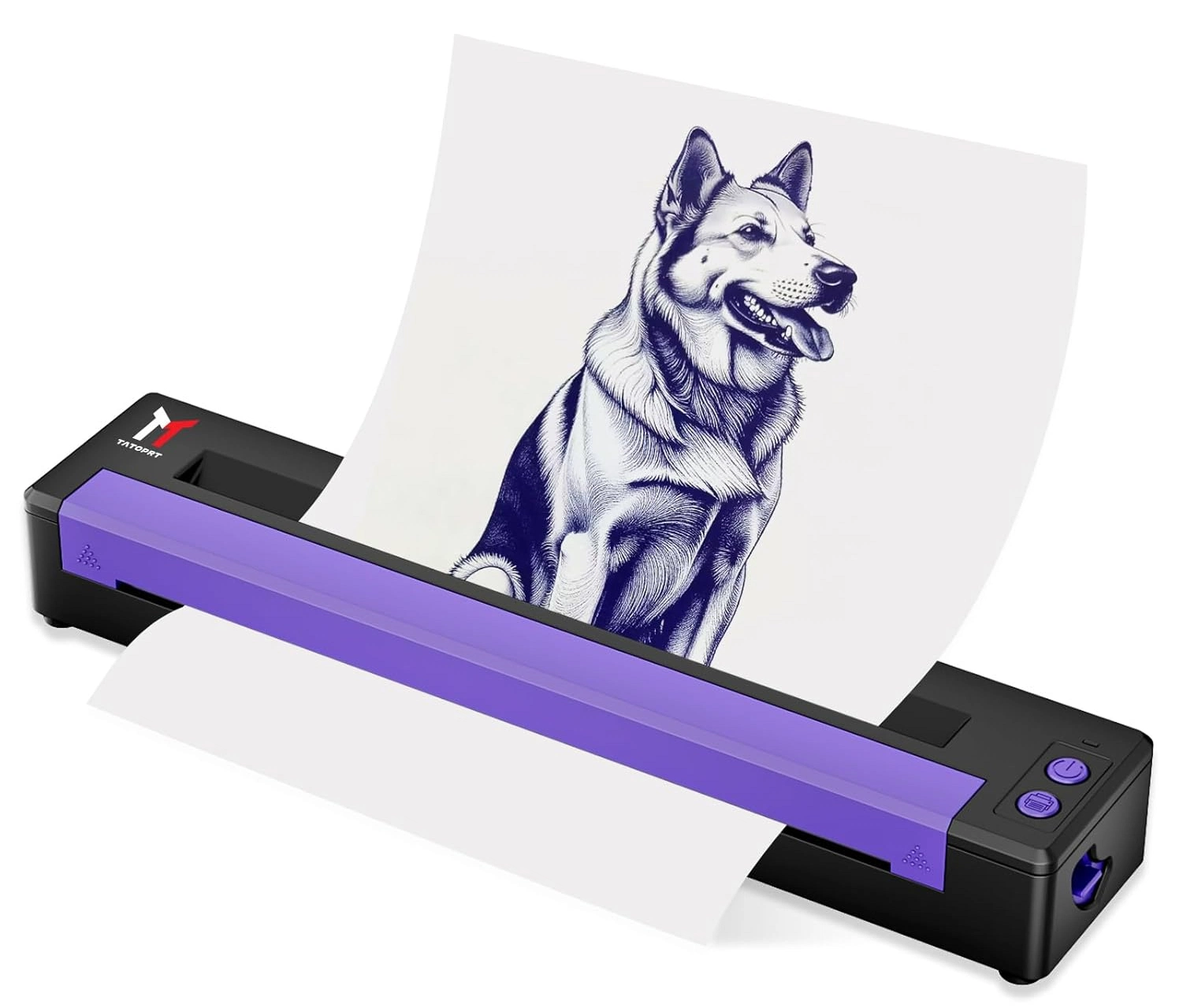
After the image looks crisp and ready, it is time to move it. Digital stencil sync is basically the magic of your tablet talking straight to your printer hardware. You completely skip the step of using a bulky desktop computer. You do not need flash drives, messy cables, or weird drivers that keep crashing. You just turn on your phone’s connection, pair the two devices, hit the print button, and watch the purple paper roll out. It takes about 10 seconds. This fast communication saves you from running back and forth across the shop all day long.
Why You Need a Portable Thermal Printer Today
Old-school carbon copiers are heavy, loud, and they constantly overheat if you use them too much. If you travel to different cities for conventions or do guest spots at other shops, carrying a bulky 10-pound machine in your luggage is a total nightmare. The tattoo industry is moving rapidly toward smaller, smarter gear. A modern artist really needs equipment that fits easily into a regular backpack and runs off a rechargeable battery instead of being tied to a wall plug all day.
- Travel and Space: A portable thermal printer is tiny. It is roughly the size of a rolled-up magazine or a large water bottle. You can toss it in your bag along with your inks and needles. It frees up a huge amount of working space on your desk.
- The Magic of Heat: These modern devices use inkless stencil printing technology. They use a heated print head to melt the carbon from the top transfer sheet onto the bottom white page. Because of this, you never have to buy, change, or clean up wet liquid ink cartridges. There is nothing to spill inside your travel bag.
- Handling High Details: Detailed AI designs demand sharp lines. Products like the Yaba Tattoo Stencil Thermal P-19 Bluetooth Stencil Printer are built for this exact job. The P-19 offers a sharp 203 DPI resolution. This means even the tiny hairs on an AI wolf design will print clearly without turning fuzzy. It also packs a big 1200mAh battery. You can print around 100 sheets on a single charge.

Breaking Down the Inkless Stencil Printing Process
Many beginners wonder how the image actually gets onto the paper without standard liquid ink. The secret lies entirely in temperature control and physical pressure. This older technology has been updated and shoved into a tiny, modern plastic shell. Understanding how the heat works can actually help you get better transfers and stop wasting expensive boxes of paper. A good machine makes the whole process feel almost invisible, so you can just grab the paper and go.
Heat and Carbon Paper
When you buy stencil paper, it usually comes in four distinct layers. You throw away the loose brown protective sheet. You place the yellow backing, the carbon sheet, and the white drawing sheet into the printer. As the paper feeds through the rollers, the print head heats up in very specific spots based on your digital design. The heat pushes the purple carbon onto the back of the white paper. This creates your final, ready-to-use stencil.
Avoiding Common Jams and Mistakes
Because inkless stencil printing relies on heat, things can easily go wrong if you use cheap paper. Cheap paper might melt too fast or stick to the rollers inside the machine. Always use high-quality transfer paper. Also, make sure your paper is loaded straight. If you put it in sideways, the machine will jam, and it will ruin your printed design. A smart bluetooth stencil printer usually has sensors to tell you if the paper is crooked before it starts pulling.
Matching Your Wireless Tattoo Machine with Smart Tech
Take a hard look at your current workstation right now. If you have already dropped your heavy foot pedal and tossed out your clip cords, why is your printer still plugged into a wall outlet? Creating a fully untethered space gives you the ultimate physical freedom while you work. You can move completely around your client’s chair without ever tripping over black wires, making the whole session feel much more professional, clean, and relaxed for everyone involved.
It is all about building an ecosystem in your studio. A wireless tattoo machine lets you work from any awkward angle without fighting a heavy cord pulling on your wrist. Pairing that battery pen with a bluetooth stencil printer means your entire equipment list is mobile. You can draw the design on your tablet while sitting on the waiting room couch. You can print it from the corner of the room. Then, you can start tattooing with your battery-powered pen. The creative flow is completely uninterrupted.
Think about the time you waste organizing cables every morning. If you spend 15 minutes a day messing with cords, that is over an hour a week. In a busy shop, an hour is worth a lot of money. Getting rid of cables is the easiest way to modernize your space and speed up your day. Your clients will notice how clean your station looks, and you will feel much less stressed.
Conclusion
AI art generation is completely changing how tattoo artists brainstorm their daily designs, but the physical application remains exactly the same. You still need a reliable, fast way to get that digital idea onto physical stencil paper. By combining modern tablet software with a bluetooth stencil printer, you cut out hours of frustrating, boring hand-tracing. You get perfectly crisp lines, deep contrast, and the ultimate freedom to work from anywhere in the world. Technology should always make your job easier, never harder. Upgrading your shop gear means you spend way less time messing with messy cords and far more time doing what you actually love. If you are ready to modernize your workflow, check out the products on Yaba‘s website and contact their team today to find the perfect equipment.
FAQs
Q: Does digital stencil sync work with standard Android phones?
A: Yes, most modern printers support digital stencil sync for both iOS and Android devices easily.
Q: Do I need to buy ink for a portable thermal printer?
A: No, a portable thermal printer uses heat and special carbon paper. Inkless stencil printing requires zero liquid ink.
Q: Will my wireless tattoo machine connect to the printer app?
A: No, your wireless tattoo machine operates separately, but together they create a completely wire-free, clean workspace.